





Many businesses use WhatsApp, but often confuse WhatsApp broadcast vs group. Though they seem alike, they serve entirely different communication goals. Read on to understand how each can enhance your business messaging and customer engagement.
Introduction
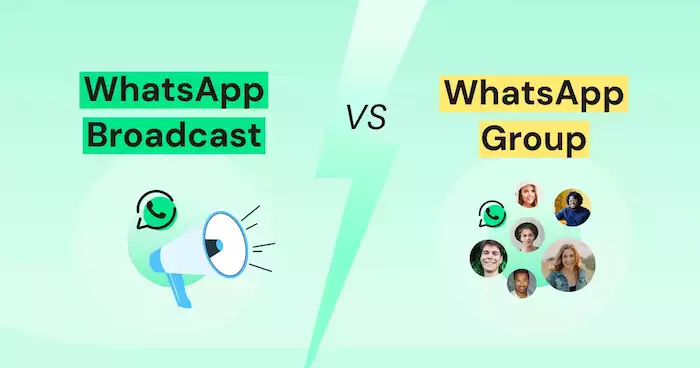
To use WhatsApp effectively, businesses must understand how Groups and Broadcast Lists work differently.
The Power of WhatsApp in Modern Communication
WhatsApp has evolved far beyond a simple chat app. With over two billion active users, it has become a key communication tool for both individuals and businesses. From customer support to marketing, WhatsApp enables real-time engagement at a global scale.
Understanding the Need for Differentiated Communication
Not every message is worthy of equal channels. Companies need to choose how information must be delivered, whether it is for discussion-creating purposes or merely for informing. That's why recognizing the distinction between WhatsApp Broadcast vs Group is important.
What This Guide Will Cover
This guide provides a comprehensive comparison between WhatsApp Broadcast Vs Groups. You’ll learn how each works, its advantages and drawbacks, and how to choose the right one for your business communication goals.
WhatsApp Groups: Collaborative Hubs
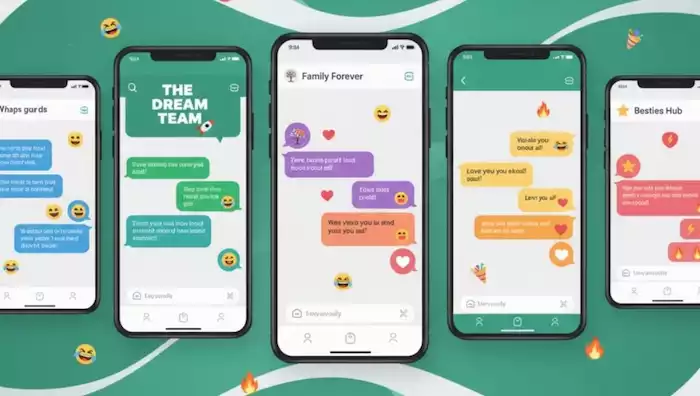
WhatsApp Groups are powerful tools for teamwork and real-time interaction, helping your businesses stay connected and organized.
Definition and Core Functionality
A WhatsApp Group is a shared space where multiple users can chat, share updates, and respond to each other in real time. Everyone in the group can see who’s participating, which makes it ideal for teamwork and collaboration. Members can easily reply to all, share media, and view the full list of participants. Group admins also have useful controls - like deciding who can post or add new members - helping businesses keep conversations organized and on track.
For businesses, this setting enables instant feedback, fast responses, and simple idea-sharing among departments, teams, or clients. It is a real-time interactive means of communication that may not be offered by any other medium or email.
Ideal Use Cases for WhatsApp Groups
Botcake can help your WhatsApp Groups run smoothly for intra-office collaboration, particularly with small teams or departments. Companies can use them for small projects, progress updates, or brainstorming ideas. They also work great when communicating with a lower volume of customers, for example, VIP Groups set up for repeat customers or online students.
Even outside of your work, they are great for coordinating client or collaborator interactions. An example would be an agency building a project-based group that keeps clients 'in the loop' and allows for better coordination of deliverables.
Advantages of WhatsApp Groups
WhatsApp Groups facilitate quick and transparent communication. Members can share ideas unconstrained and receive feedback quickly, leading to enhanced collaboration and productivity. In this type of open design, trust and a sense of belongingness that can lead to increased employee engagement or customer loyalty can thrive.
For micro businesses, groups are a cost-effective way to feel tight-knit without needing any additional cost. They're also convenient for companies with high coordination frequency, such as delivery crews, store employees, or service personnel working with many clients.
Disadvantages of WhatsApp Groups
However, it's daunting to manage a crowd. When everyone is participating, messages come fast and thick, so it is difficult to keep up with the dialogue. Privacy is compromised also as every phone number is out in the open. Large groups are difficult to moderate, and people can be sidetracked without rules.
In order to make use of groups, businesses should also create communication guidelines and utilize admins to maintain conversations. This keeps the conversation on subject and professional.
WhatsApp Broadcast Lists: One-Way Information Dissemination
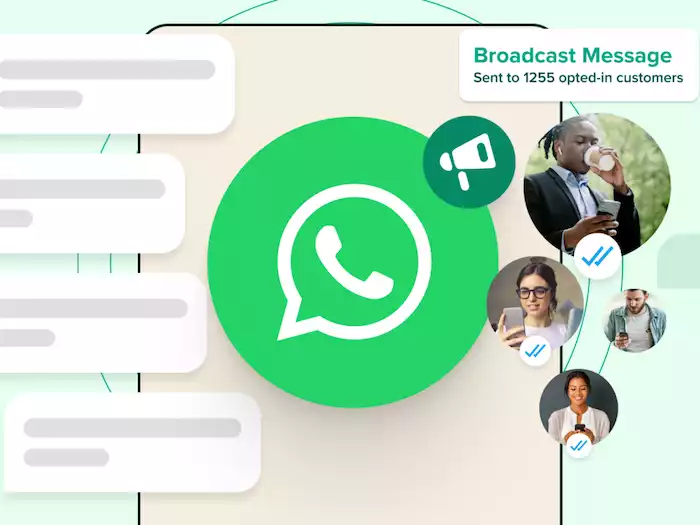
Let’s break down how Broadcast Lists function and why they’re valuable for business messaging with Botcake.
Definition and Core Functionality
A WhatsApp Broadcast List enables companies to broadcast a single message to various recipients at once, but not really like a group; recipients are unable to see each other or converse within the same chat. Each of them is sent the message privately, just like a single text.
This is the most appropriate form of business or marketing communications where a brand should convey information effectively and safely preserve privacy. Note that the recipients have to save the sender's number to reach the broadcast, so contact management becomes mandatory for business users.
Ideal Use Cases for WhatsApp Broadcast Lists
Broadcast Lists are ideal for one-way communication. Companies can use them to deliver product updates, promotions, reminders for events, or policy notifications. They're equally suitable for transactional alerts such as appointment reminders, payment reminders, or delivery updates.
For example, an e-business will be able to send flash sale notifications, while a service business will be able to send reminders for maintenance or holiday promotions. The lists notify customers without bombarding them with strings of conversation.
Advantages of WhatsApp Broadcast Lists
Broadcast Lists maintain professionalism by delivering messages privately. Recipients won’t see others’ numbers or messages, which helps preserve customer trust. This system provides you with the complete ability to control and standardize messaging in all interactions.
For example, with small businesses, broadcast messages reduce work and time by sending the same message to 100 people. Broadcasters don’t tend to be as intrusive as group conversations. They decrease noise levels and limit any conversations to the duration of the message. When combined with automation software like Botcake, businesses can segment their audience and create personalized messages, with broadcast messaging increasing engagement and/or efficiencies.
Disadvantages of WhatsApp Broadcast Lists
The main drawback of broadcast lists is that users must first save your number before your message can be delivered to them. This would reduce message reach if your subscribers have not engaged with your business already. Also, because broadcasts do not allow group interaction, they are not ideal for discussions or gathering feedback.
Each broadcast list only has a capacity of 256 contacts, which may limit more extensive campaigns unless optimized through extra lists or a business API. Broadcasts will, if misused, also be considered spam. Be sure to avoid this by sending useful, relevant, and timely information that the recipient will find valuable.
Key Differences and Comparison
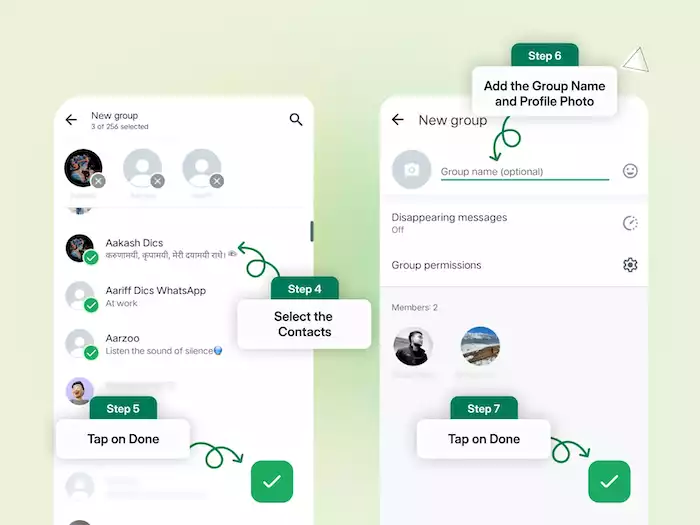
The main differences lie in how each tool manages communication, privacy, and interaction.
Communication Flow
WhatsApp Groups offer unrestricted two-way communication where everyone can interact as they please. Best for team collaboration projects and teamwork. Broadcast Lists, however, send messages one-way - best for announcements, updates, or marketing messages that don't need discussion.
Participant Visibility
In groups, numbers and names are publicly visible to all members in a group, introducing transparency with privacy concerns. In Broadcast Lists, sender and recipient are openly visible, concealing communication from others and making it business-like and private - an important benefit to customer-facing businesses.
Privacy Considerations
The groups are less private, hence discouraging the clients from participating, particularly for sensitive conversations. Broadcasts guarantee confidentiality so that companies can interact with the clients in person without sharing contact details with other people.
Interaction and Engagement
They invite conversation and, therefore, are suitable for company communication, support groups, or societies that survive through collaboration. Broadcasts, on the other hand, are meant to conserve time; they present information without seeking active participation. Companies can utilize them in a way to be everywhere without overwhelming the audience.
Ideal Scenarios
Companies must decide according to their purpose of communication. If the purpose is to get feedback, arrange work, or build community, then a WhatsApp Group is the right decision. If the purpose is to send promotions, announcements, or updates in privacy, Broadcast Lists are better suited.
Many successful businesses use both together, groups for engagement and broadcasts for controlled outreach, ensuring they reach the right people with the right message every time. Furthermore, you can even integrate WhatsApp to turn every chat into revenue.
Strategic Considerations for Businesses
To make the most of WhatsApp’s features, businesses should learn how to combine both tools effectively, explore scalable options like the API, and follow best practices for each.
Combining Both for Optimal Results
With Broadcast Lists and Groups combined, your business has space for every aspect of communication. Employ Broadcast Lists for one-way communication, such as announcements or promotions, and Groups for two-way communication, like VIP groups or co-operation between firms. This two-pronged strategy maximizes efficiency (broadcasts) over participation (groups) so that your business can communicate cost-effectively while being interactively engaged and reactive.
WhatsApp Business API and Its Relevance
When your communication needs grow beyond the limits of Groups and Broadcast Lists, the WhatsApp Business API (also known as the WhatsApp Business Platform) becomes essential. According to Meta’s documentation, the API integrates WhatsApp with your CRM, automates workflows, manages large-scale messaging, and supports multi-agent access.
With it, you can send approved templates, run automated chatbots, and manage thousands of users efficiently. If your brand needs scalability, automation, or personalization, this API is the next logical step.
Best Practices for Each
Botcake has composed separate guidelines for both WhatsApp broadcast vs group below:
Groups:
-
Set clear rules and expectations from the start.
-
Assign admins to moderate and maintain relevance.
-
Encourage members to manage notifications effectively.
-
Keep discussions focused on the group’s purpose.
Broadcasts:
-
Segment your contact lists (new customers, VIPs, etc.).
-
Name or pre-interaction address messages.
-
Post helpful, value-added messages - not just sales messages.
-
Opt-in, privacy-conscious, and easy to opt out.
Conclusion
In short, WhatsApp Groups are for two-way cooperation and community, whereas Broadcast Lists are used for one-way messages and announcements. Groups enable conversation; broadcasts provide convenience and delivery. Choosing between them is at your discretion - depending on your goals - either to connect, inform, or build. The best mix of the two helps businesses attain a balance between effectiveness and rapport.
Want to scale your WhatsApp communication? Find Botcake, the end-to-end solution for automating message paths, broadcast management, and enhancing engagement. Try Botcake today and transform the way your business communicates with customers.